Managed cloud
Start on a shared cloud plan, or choose a dedicated bare-metal server in your region. We operate the infrastructure; you operate the feeds.
View cloud plansRoute, stabilize and distribute live feeds and 24/7 channels. Choose a managed cloud plan, dedicated bare-metal in your region, or a software license for your own infrastructure.
Managed cloud locations: New York · London · Frankfurt · Paris · Virginia · Los Angeles · Singapore · Helsinki
Extended reach: Tokyo · Hong Kong · Beijing · Sydney — available through partner network.
*Subject to the bandwidth and resources of the selected plan or your self-hosted infrastructure.
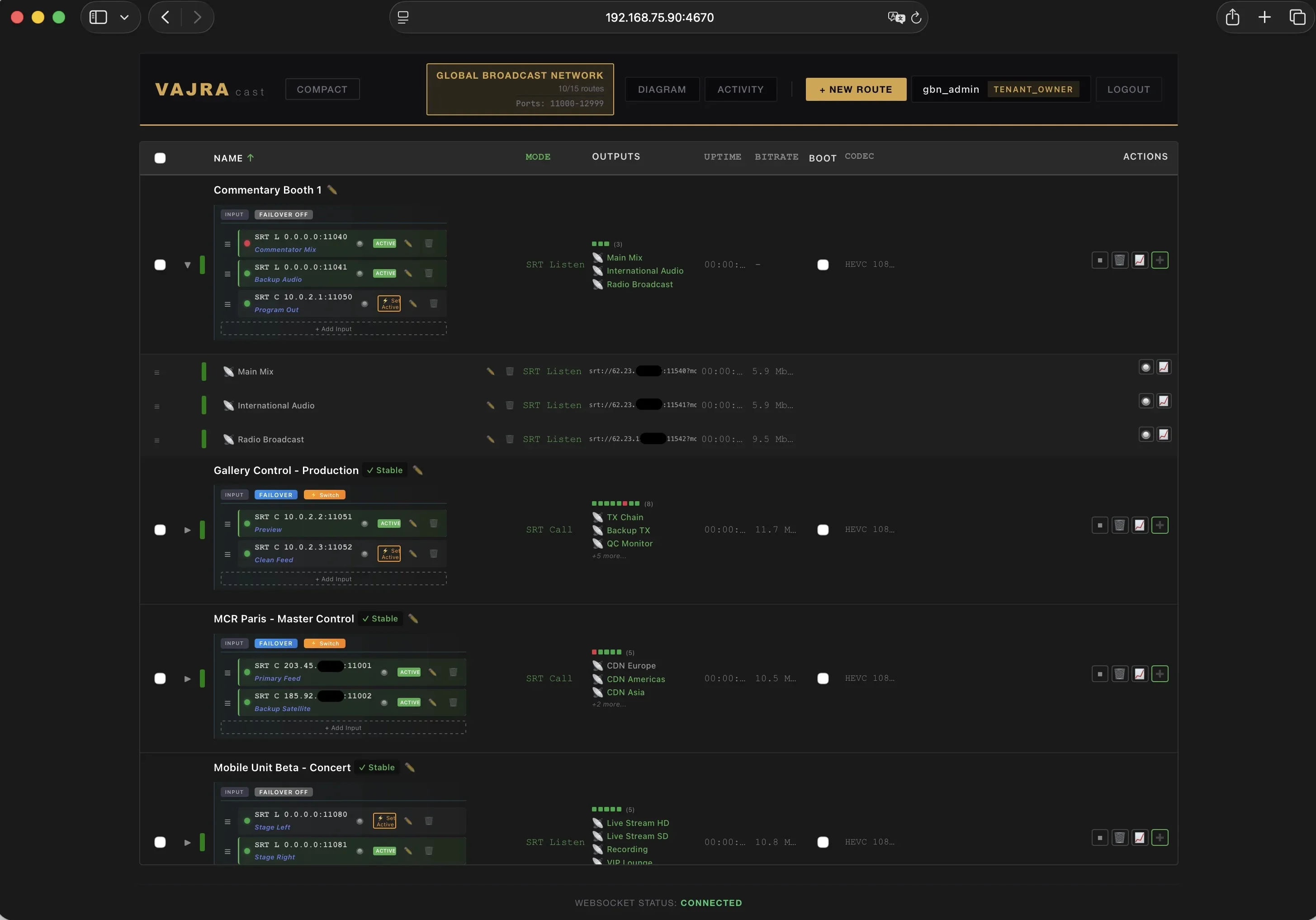
Use the same live routing and processing workflows in our managed cloud or on infrastructure you control.
Start on a shared cloud plan, or choose a dedicated bare-metal server in your region. We operate the infrastructure; you operate the feeds.
View cloud plansRun Vajracast on infrastructure you control: in your facility or a data center of your choice. Keep signal paths and hosting decisions in your hands.
Discuss self-hostingThese are distinct modes, selected to match the downstream receiver.
Preserve the UDP payload byte for byte in raw relay mode, without decoding, remuxing or transcoding.
Remux and normalize timestamps, transport signaling and stream structure when a CDN, MCR or decoder rejects a fragile feed.
Raw relay does not repair the transport stream. Both paths are available in managed cloud and self-hosted deployments.
Three stages. Deterministic. Predictable.
Take contribution from anywhere: Broadcast SRT encoders (listener or caller, AES encryption), WHIP WebRTC sources, RIST Main Profile senders with ARQ, bonded cellular units over SRTLA (BELABOX and Moblin), IP cameras over RTSP, HLS or TS-over-HTTP feeds pulled from a CDN, raw UDP, or an all-in-one TV channel playout with graphics. Dropped sources reconnect automatically.
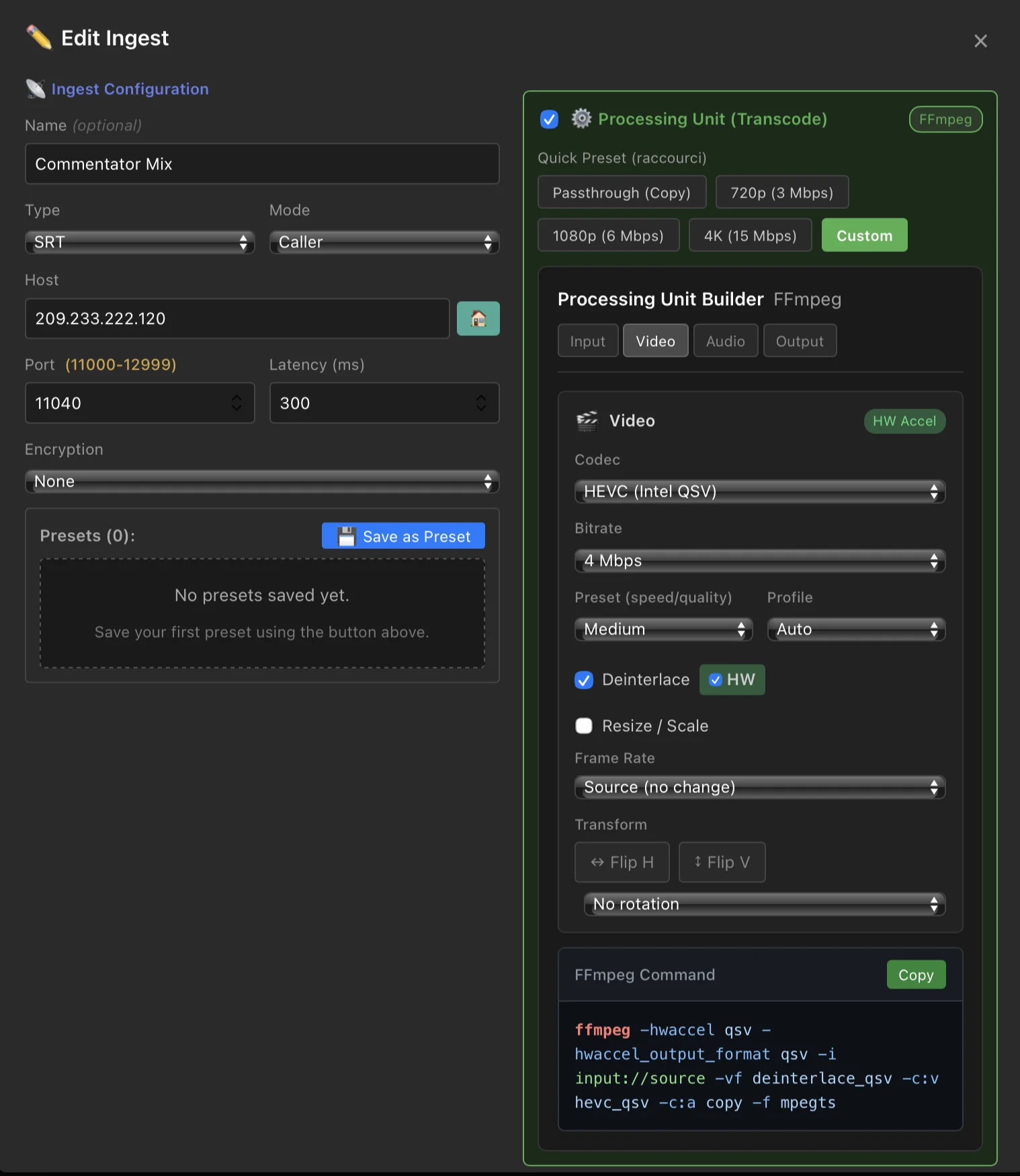
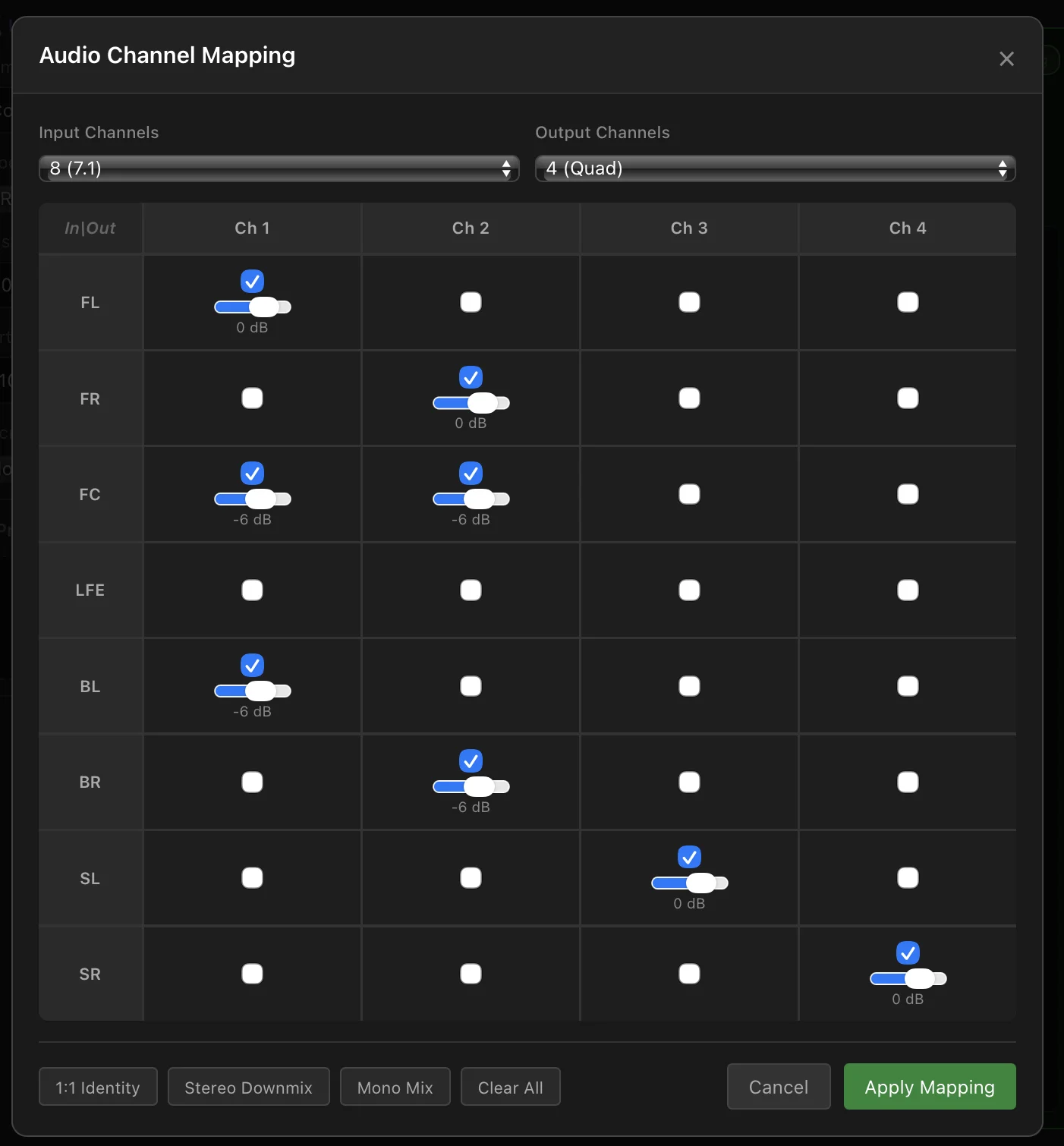
Optional transcoding. Stabilize a fragile MPEG-TS feed rejected by a CDN ingest, MCR or SATCOM contribution chain: remux and normalize the transport stream to meet the downstream receiver’s requirements. Deinterlace 1080i feeds, or output true broadcast 1080i from progressive sources. Use the full audio matrix to split 7.1 into discrete stereo pairs, swap or remap any channel — or pass through bit-for-bit. Create an additional output dedicated to social media and mobile, cropped to vertical 9:16.
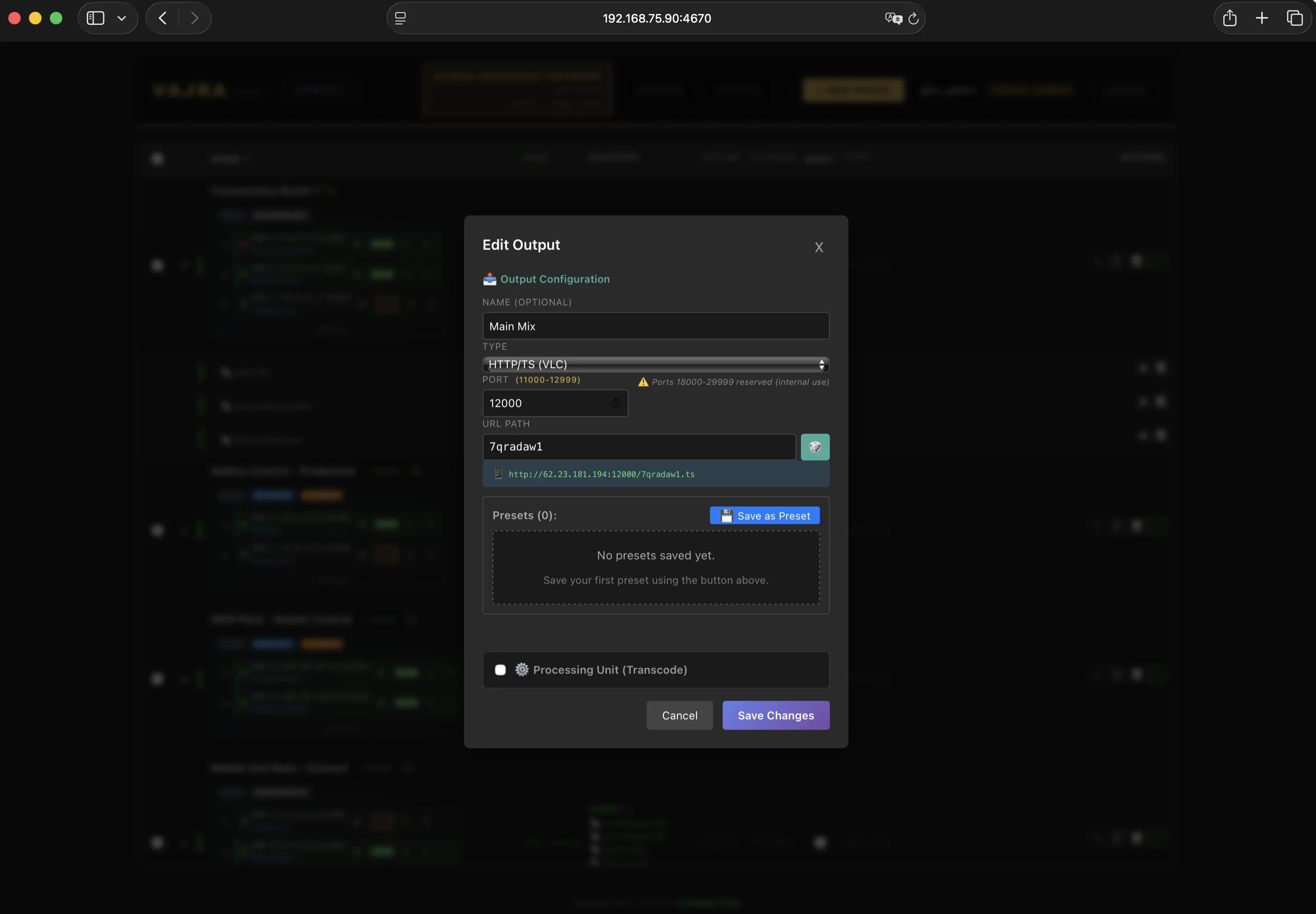
Send one route to an unlimited number of outputs using SRT, WHEP, HLS, RTMP, RTSP, RIST, SRTLA, HTTP/TS, UDP, NDI or ST 2110*, and record it directly to a file. In passthrough, each additional output adds no significant CPU overhead.
*Subject to the bandwidth and resources of the selected plan or your self-hosted infrastructure.
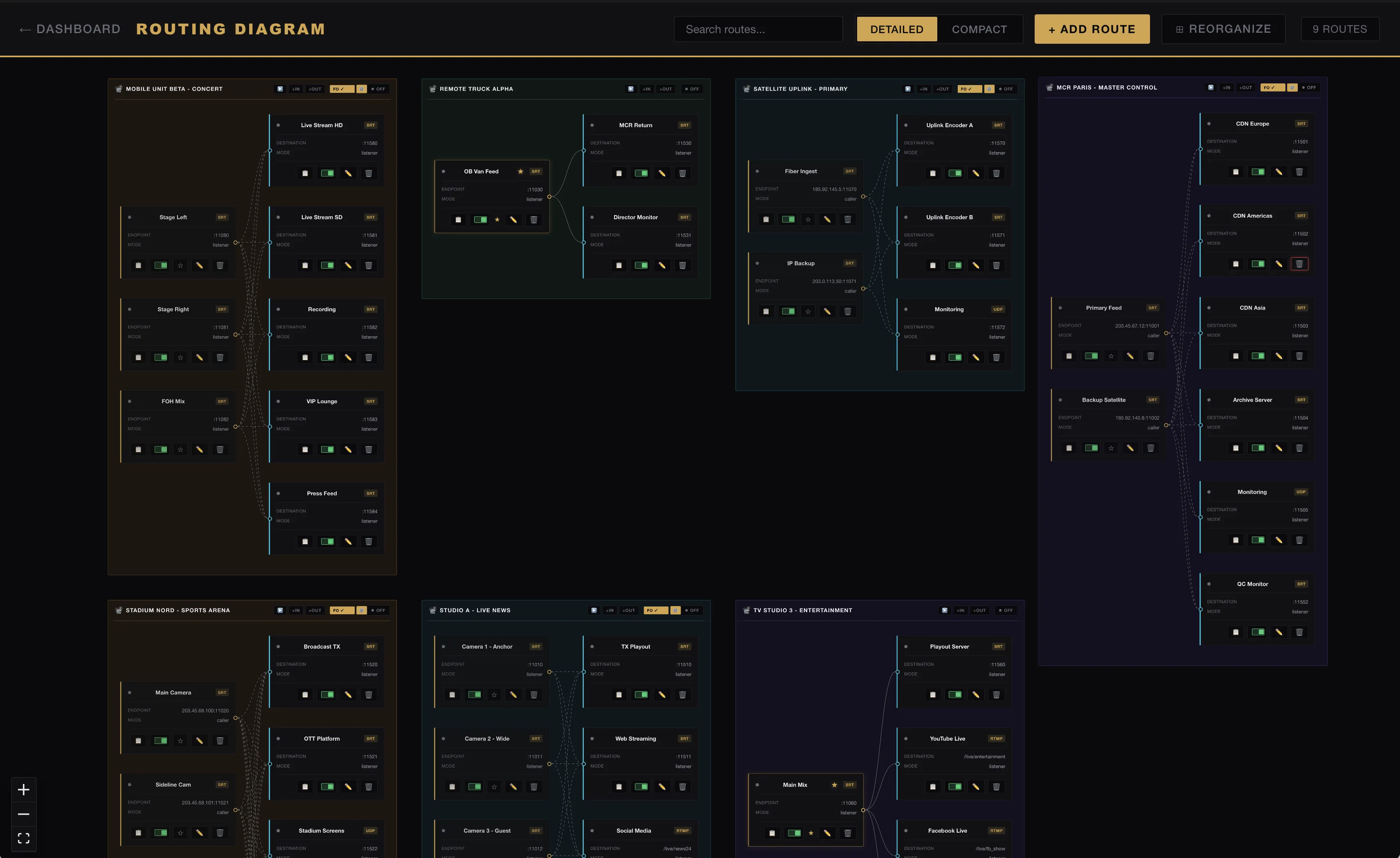
Two annotated diagrams showing how Vajracast handles a redundant SRT contribution, multi-region restream and multi-protocol delivery to rights-holders. Hover any node for details.
Multi-input redundancy that keeps live routes flowing when a source drops.
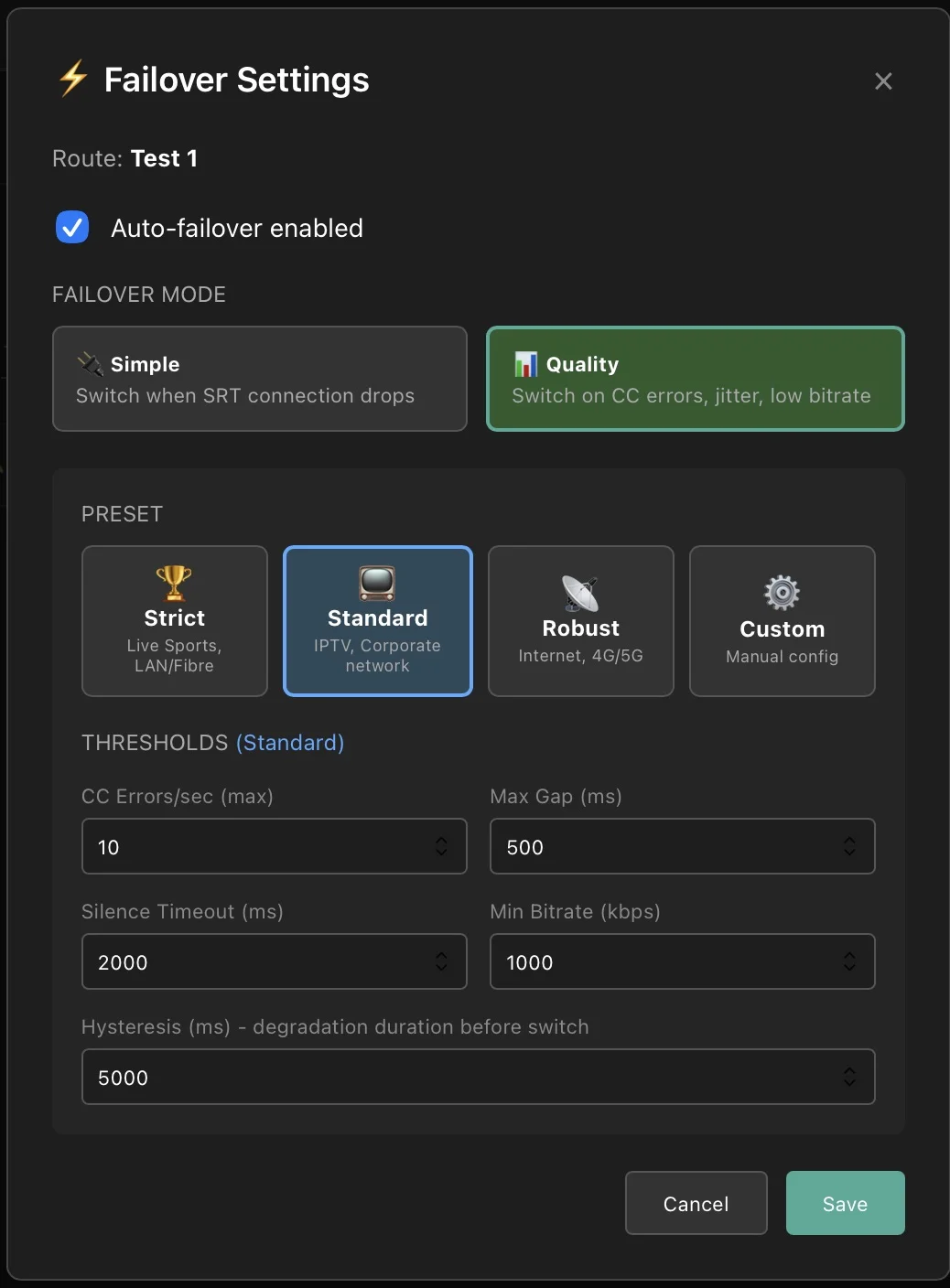
When a source drops, Vajracast switches to the next available input without tearing down the route. Outputs keep flowing while operators stay in control.
Configure a primary input and up to 7 backups per route. On signal loss, switch to the healthiest available input (Best Score) or move down the configured priority list to the next available backup (Round-robin). Optional auto-failback switches back to the designated primary input once it has recovered and remained stable.
Add or remove sources and destinations while streaming. No route restart, no interruption to the live feed.
Combine SRT, RIST, RTMP and HTTP sources in one failover group. Each with independent settings.
Infrastructure-grade reliability for live broadcasting.
Fan out one input to dozens of outputs, or reuse one prepared feed across downstream routes. Transcode once, deliver everywhere, with flat overhead for passthrough workflows.
Add a backup source or a new destination to a route that's on air. Nothing restarts, nothing drops — every other feed keeps flowing.
Multi-PID audio passthrough preserves all audio tracks through the chain. Split 7.1 surround into 4 stereo pairs, remap channels, or merge them back. Per-channel gain control.
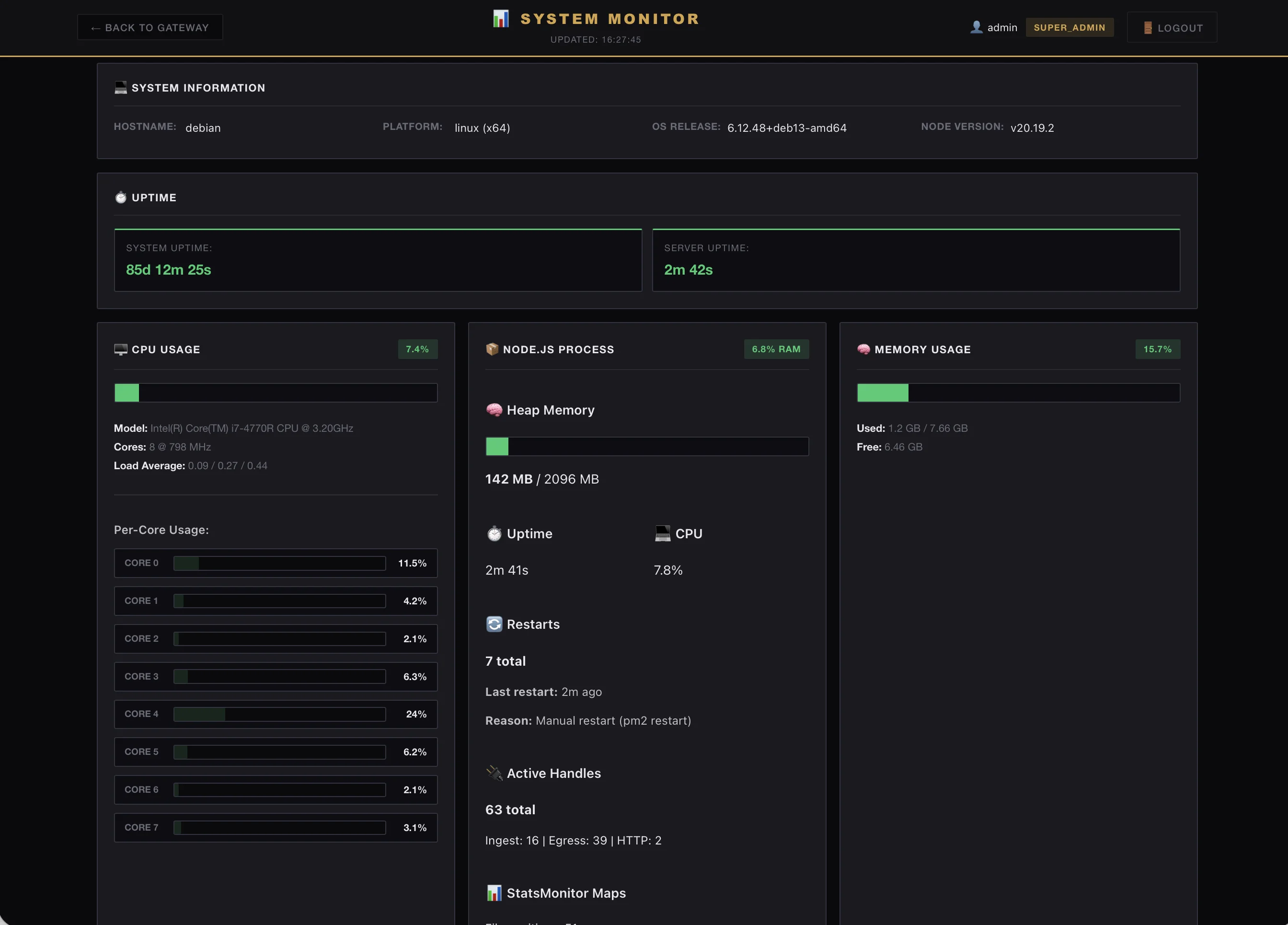
Per-route email alerts — source lost, failover switched, source recovered — with a grace window so a brief blip never pages anyone. Full Prometheus /metrics and pre-built Grafana dashboards for the ops side.
HEVC to H.264, interlace handling, resolution scaling — all GPU-accelerated via NVIDIA NVENC, Intel QSV, or VAAPI. Auto-fallback if a GPU is unavailable.
Interactive route visualization showing every input, output, and their connections in real time. Stats overlay on every node.
Software updates and maintenance never interrupt what's on air. After a reboot or a power cut, every route comes back on its own — nobody gets up at 3 a.m.
Put a broadcast-standard test signal on air in one click — color bars, 1 kHz tone, overlaid text and timecode. No black, no silence, no panic while a source is down or being prepared.
Objective video quality scoring (VMAF 0–100, PSNR) on any active route. One-click comparison between source and output with full history and trend tracking.
Full CRUD on routes, inputs, outputs. JWT authentication, OpenAPI documentation. Automate deployments, integrate with your monitoring stack, script anything.
Ship as a container. Orchestrate with K8s, provision with Terraform, share state across instances with PostgreSQL. From single-server to containerized multi-instance (experimental).
WHIP input, WHEP output, RIST Main Profile, playout with graphics and SCTE-35, HLS manifest cue signaling, and file recording.
From ingest to global delivery.
Contribution feeds from field to studio. Normalize incoming streams for reliable interoperability between encoders, MCRs, CDNs, and broadcast decoders. SRT bonding for mobile reporters, automatic failover between primary and backup sources, and real-time quality monitoring.
Normalize H.264, HEVC, audio, timestamps, GOP structure, codec headers, MPEG-TS signaling, frame rates, and scan formats between incompatible encoders, CDNs, MCRs, and broadcast decoders. Convert progressive and interlaced video, deinterlace 1080i sources, preserve field order and cadence, or generate fully signaled broadcast-compliant 1080i from progressive material. Repair fragile or non-compliant feeds, remap audio, or transcode only when required—delivering a stable output tailored to each downstream receiver.
Multi-camera routing for concerts, sports, and conferences. Distribute program, isolated camera (ISO), and return feeds in the formats each destination needs, with cloud distribution for intercom and monitoring. Deliver to broadcast, web, and social platforms simultaneously, adding destinations on the fly. Automatic failover switches between primary and backup sources.
Route feeds from motorcycles, helicopters, field receivers, commentary positions, intercom paths, and program outputs. Built for outdoor sports, races, remote venues, and moving production units.
Take one contribution feed and fan it out to affiliates, CDNs, partners, backup sites, and monitoring receivers over SRT. Each destination can be managed, monitored, and protected independently.
Run HD, 4K, SDR, HDR, program, backup, and monitoring feeds side by side. Prepare a feed once, reuse it across downstream routes, and keep every version visible to operators.
Ingest MPEG-TS over UDP or SRT with up to four stereo audio tracks. Automatically generate adaptive HLS in four video resolutions using hardware-accelerated transcoding, preserving each audio track as a selectable language option. SCTE-35 cues from the incoming feed are converted into ad-break markers and inserted into the HLS playlists in real time.
Operate linear TV and Web TV channels 24/7. Receive SRT feeds from satellite or CDN contribution paths, preserve or process the programme, then distribute it to broadcast partners and web audiences via SRT or HLS.
Build linear channels from media files and scheduled playlists. Play multitrack content with up to four stereo audio tracks. Schedule programming from Excel, add graphics, logos, and overlays in real time, and generate SCTE-35 cues for scheduled ad breaks.
Published pricing. No commitment. Free 30-day trial.
Solo creators and freelancers
Solo broadcasters with live-critical streams
Everything in Cloud Indie, plus:
Production houses and small teams
Everything in Cloud Solo, plus:
Dedicated server, region of your choice
Build a playlist, schedule your programmes and broadcast from the cloud.
Add playout channels to your Pro subscription whenever you need them.
$79 / channel / month
Ask for a playout demoChecking the subscription attached to this tenant…
$79 / channel / month
Loading current channel quantity…Increases are prorated and charged now. Reductions apply immediately to future billing and do not create a credit for the current period.
Every cloud plan includes a fixed public IPv4 kept for the full subscription.
* Europe is the default, with unmetered traffic. Other available regions, including the United States and South America, can be provisioned immediately on request. Each server has a dedicated, non-shared premium-transit uplink. Traffic is unmetered at the plan’s port rate except in Asia and Australia (10 TB included; additional traffic billed).
Multi-region architecture, dedicated engineer on TX days, custom SLA, global coverage (EU / US / APAC). For broadcasters and global productions.
Vajracast runs 100+ routes 24/7 across live sports, linear TV channels, and live event productions. Dedicated servers provisioned in 24-48h. Direct line to engineering, not a support ticket queue.
Control room meets simplicity.
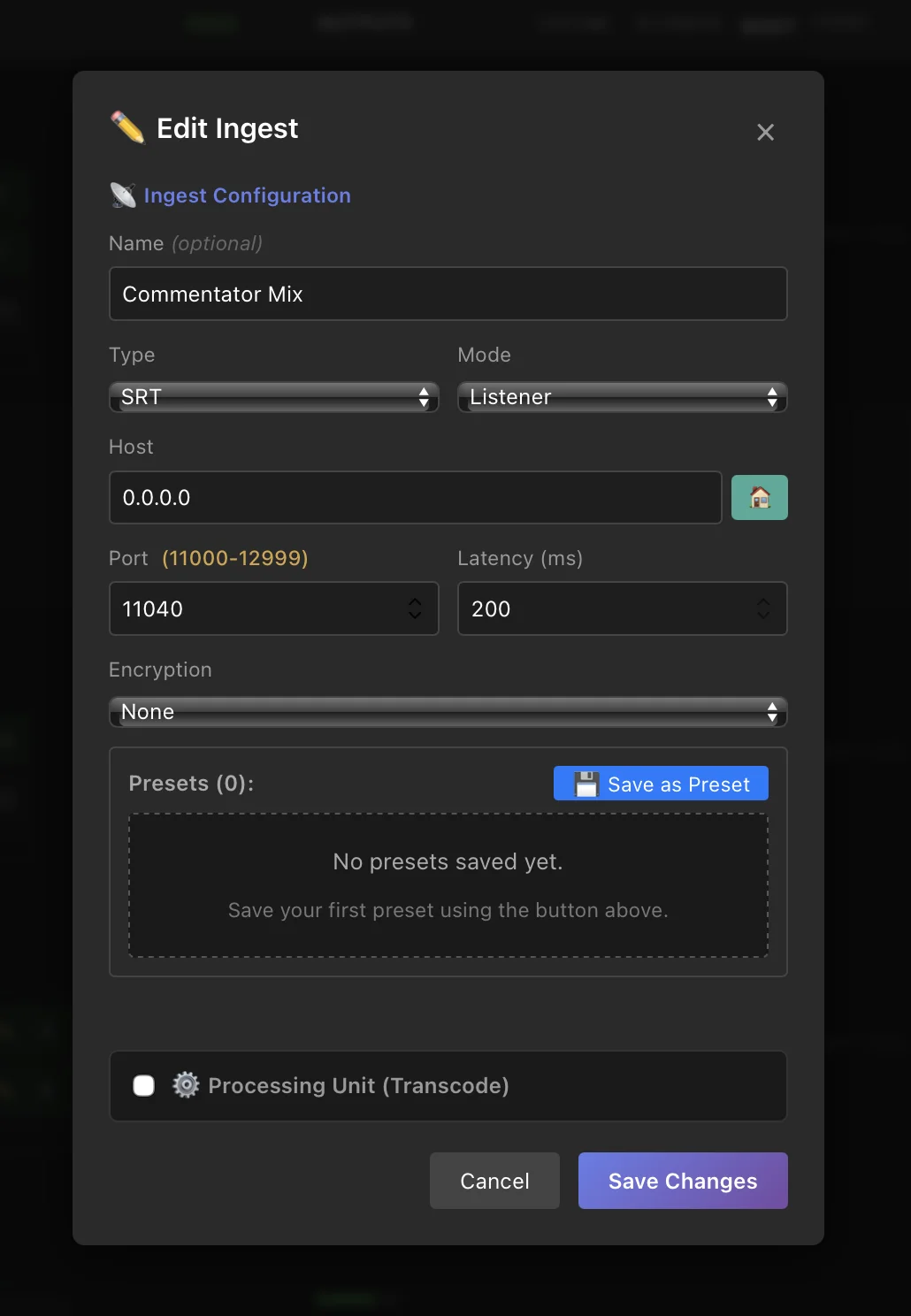
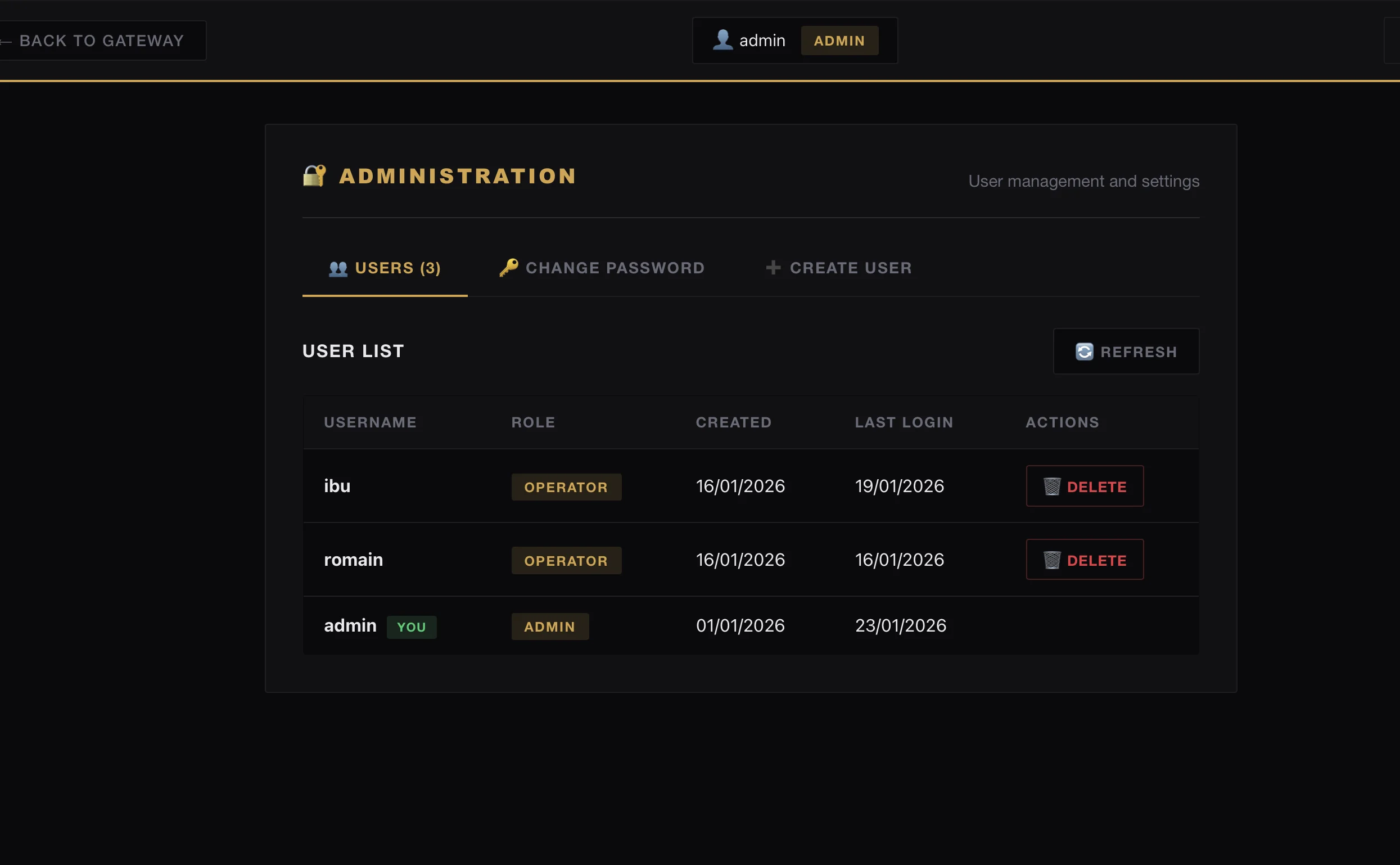
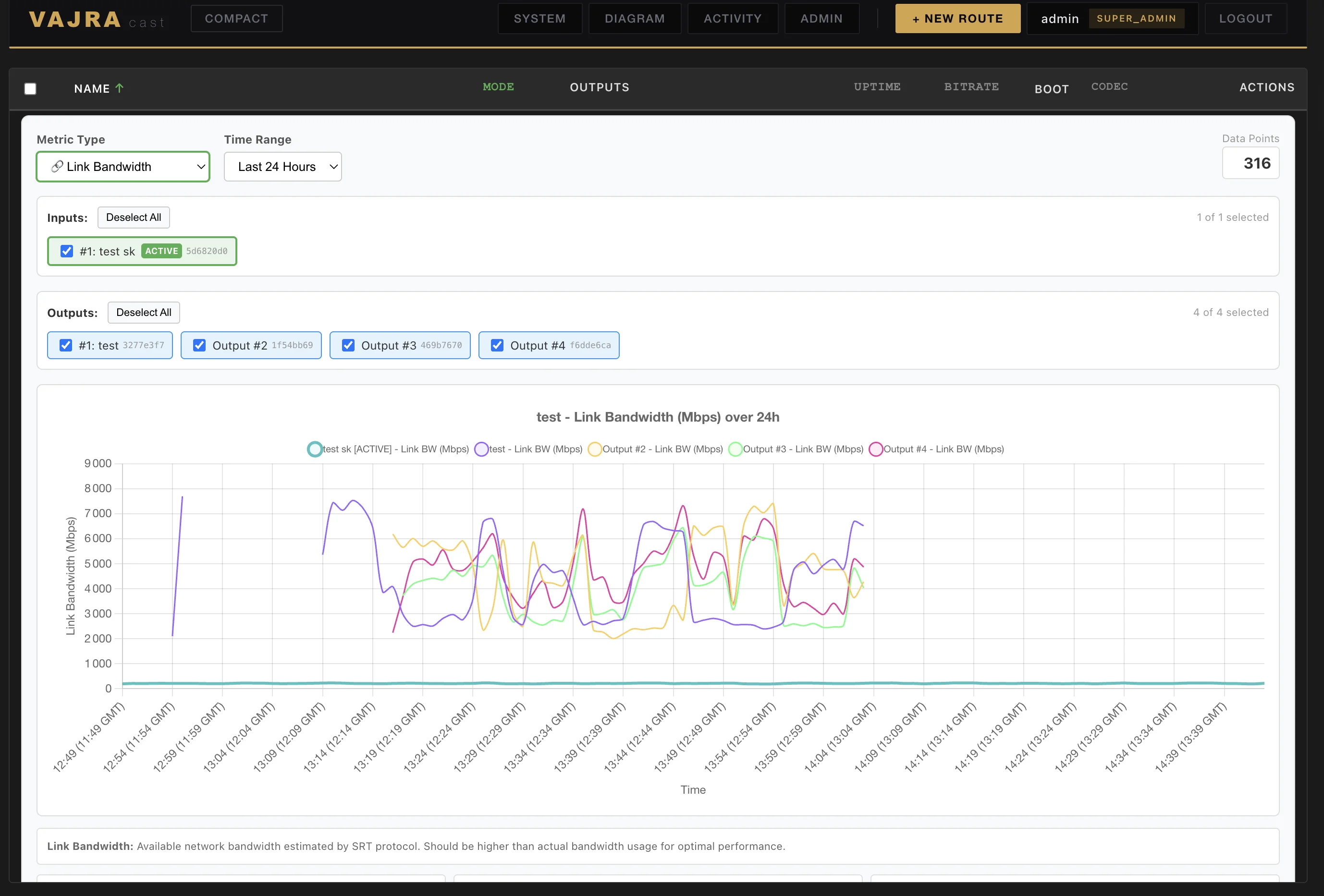
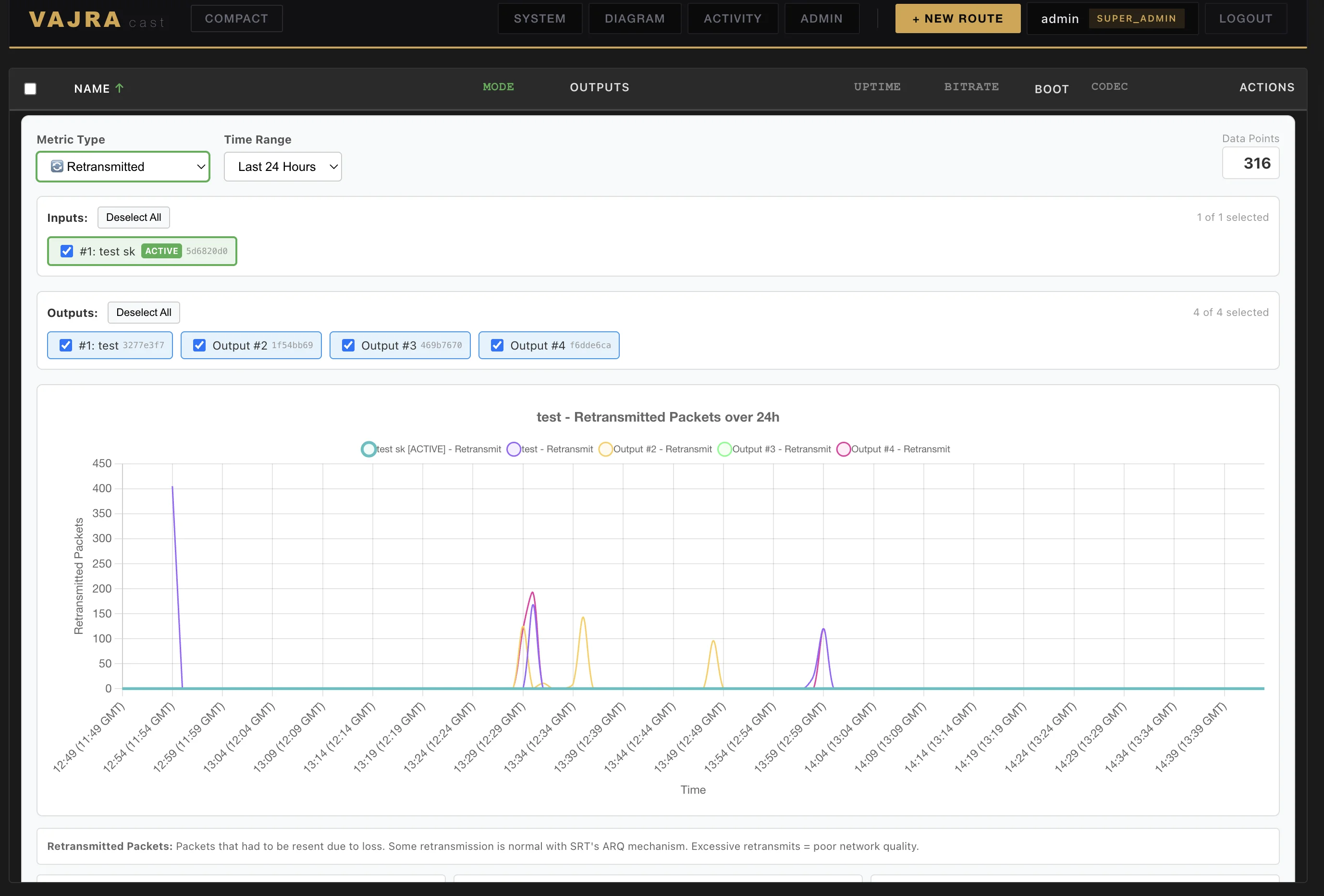
Setup walkthroughs and configuration guides.
Full walkthrough: routes, inputs, outputs, failover, metrics.
Installation, first launch, initial configuration.
Configure an SRT input, add RTMP and HLS outputs.
Complete setup with BELABOX, latency configuration, failover.
Downmix 7.1→stereo, commentary channel extraction.
REST API, WebSocket, automation with scripts.
30-day free trial on a managed server. No setup, no credit card. Full access to all features.