HLS to SRT: Route an m3u8 Source to a Broadcast Receiver
Convert an HLS or m3u8 source to SRT with Vajracast. Understand input access, codec compatibility, caller/listener modes and the latency that remains.
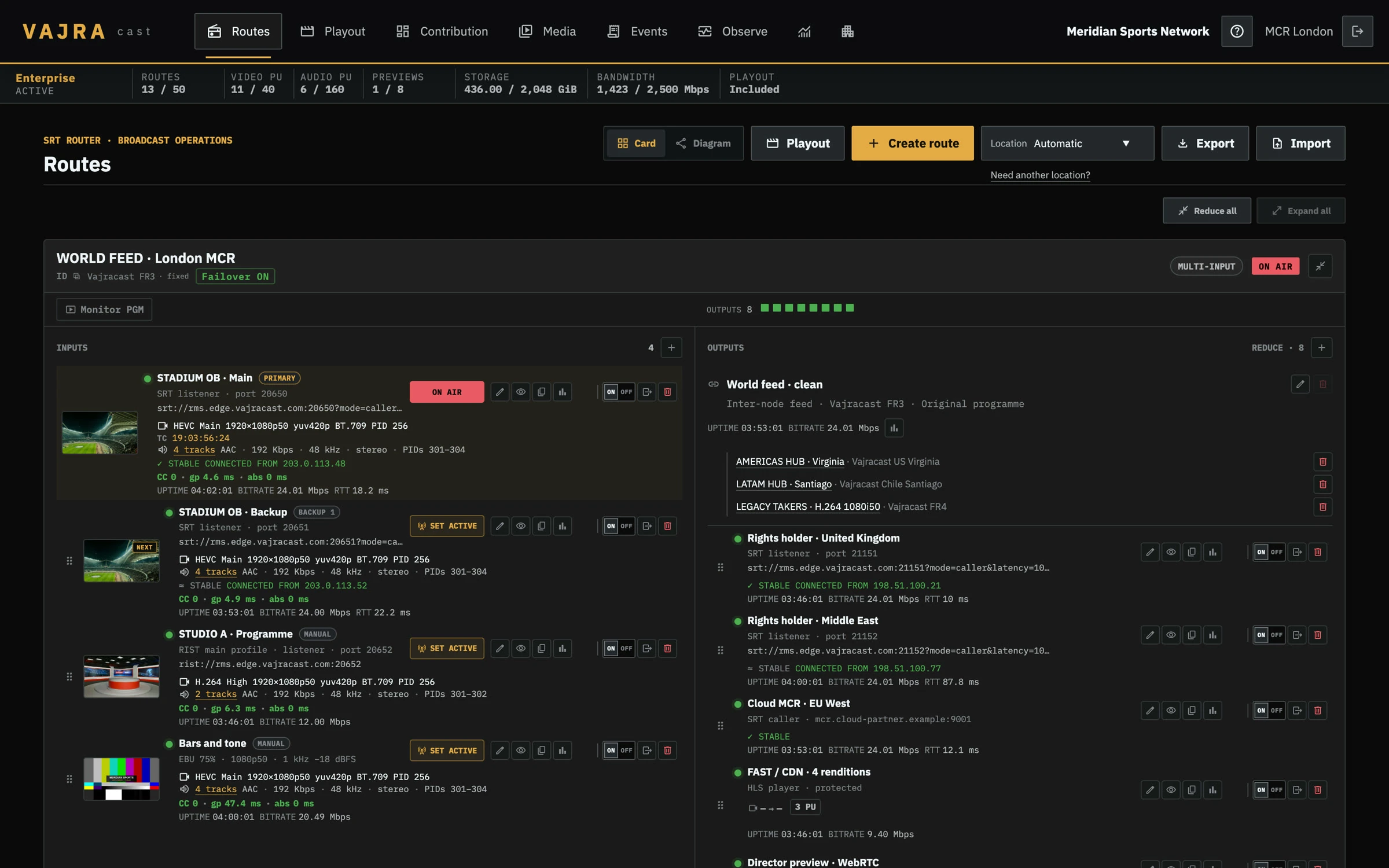
Vajracast can receive an HLS playlist (.m3u8) and deliver the incoming programme over SRT to a broadcast decoder, MCR or downstream gateway. HLS is the input in this workflow; SRT is the output. Changing the transport does not remove delay already introduced by HLS segmentation and buffering.
From an HLS source to an SRT destination
HLS origin / m3u8 playlist
          ↓ HTTP(S) input
Vajracast route → media adaptation when needed
          ↓ SRT output
Decoder / MCR / partner gateway
Use this workflow when a programme is available from an HLS origin but the receiving system expects a point-to-point SRT feed. For the opposite direction, see SRT to HLS output.
What to check before connecting
| Part of the workflow | Check |
|---|---|
| HLS source | Playlist URL, access rights, HTTP authentication and access to its segments |
| Playlist | Live or VOD behavior, selected rendition and expiring URLs |
| Media | Video codec, audio tracks, resolution and scan format accepted by the receiver |
| SRT connection | Caller/listener roles, destination address and UDP port, encryption and stream ID where required |
| Capacity | Aggregate output bitrate, route allowance and any required transcoding |
The V2 HLS input provides HTTP authentication settings and live/VOD pacing. A reachable manifest alone is insufficient: the media segments must also be reachable. Test the actual source, including its authentication and renewal behavior, before using it on air. A DRM-protected source requires its own supported and authorized playback workflow; changing protocol does not remove DRM.
Does HLS to SRT require transcoding?
Not every protocol conversion requires video re-encoding. If the incoming codecs and media properties are accepted by the output pipeline and receiver, preserve the encoded media where supported. If the receiver needs a different codec, resolution, audio format or scan format, add the required processing. Transport conversion and media conversion are separate decisions.
Do not assume that every m3u8 playlist, MPEG-TS or fMP4 variant, subtitle format or audio layout behaves identically. Qualify the source and receiver together. See hardware transcoding and decoder compatibility for the adaptation side of the workflow.
How much latency remains?
End-to-end delay includes the source encoder, HLS packaging, playlist and segment retrieval, buffering, any processing, the SRT recovery window and the receiver. SRT protects the onward transport; it cannot recover time already spent waiting for HLS segments. Compare the source and received programme during qualification rather than treating an SRT latency setting as a total-delay guarantee.
Commissioning the route
- Confirm that the HLS playlist and its segments are reachable from the Vajracast deployment.
- Configure the HLS input and the SRT output with the receiver’s connection parameters.
- Check video, audio selection, timestamps and receiver compatibility; add adaptation only where needed.
- Test interruption and recovery of the actual origin and destination, including source token expiry where applicable.
- Monitor the running route and retain the source/receiver settings used for the test.
Cloud Indie, Solo and Pro allow up to 8 inputs and 100 outputs per route, within each plan’s bandwidth and simultaneous-route limits. One source sent to several destinations consumes the sum of those output bitrates. Compare the Cloud plans or contact the team to qualify your HLS-to-SRT workflow.
Managed cloud platform with dedicated servers, N+1 failover, hardware transcoding, and global delivery. Free for 30 days.
30 days free · No credit card · Direct access to the dev team