SRT to RTMP: Publish a Contribution Feed to a Platform
Convert SRT to RTMP or RTMPS with Vajracast. Check H.264/AAC compatibility, destination settings, optional vertical adaptation and commissioning.
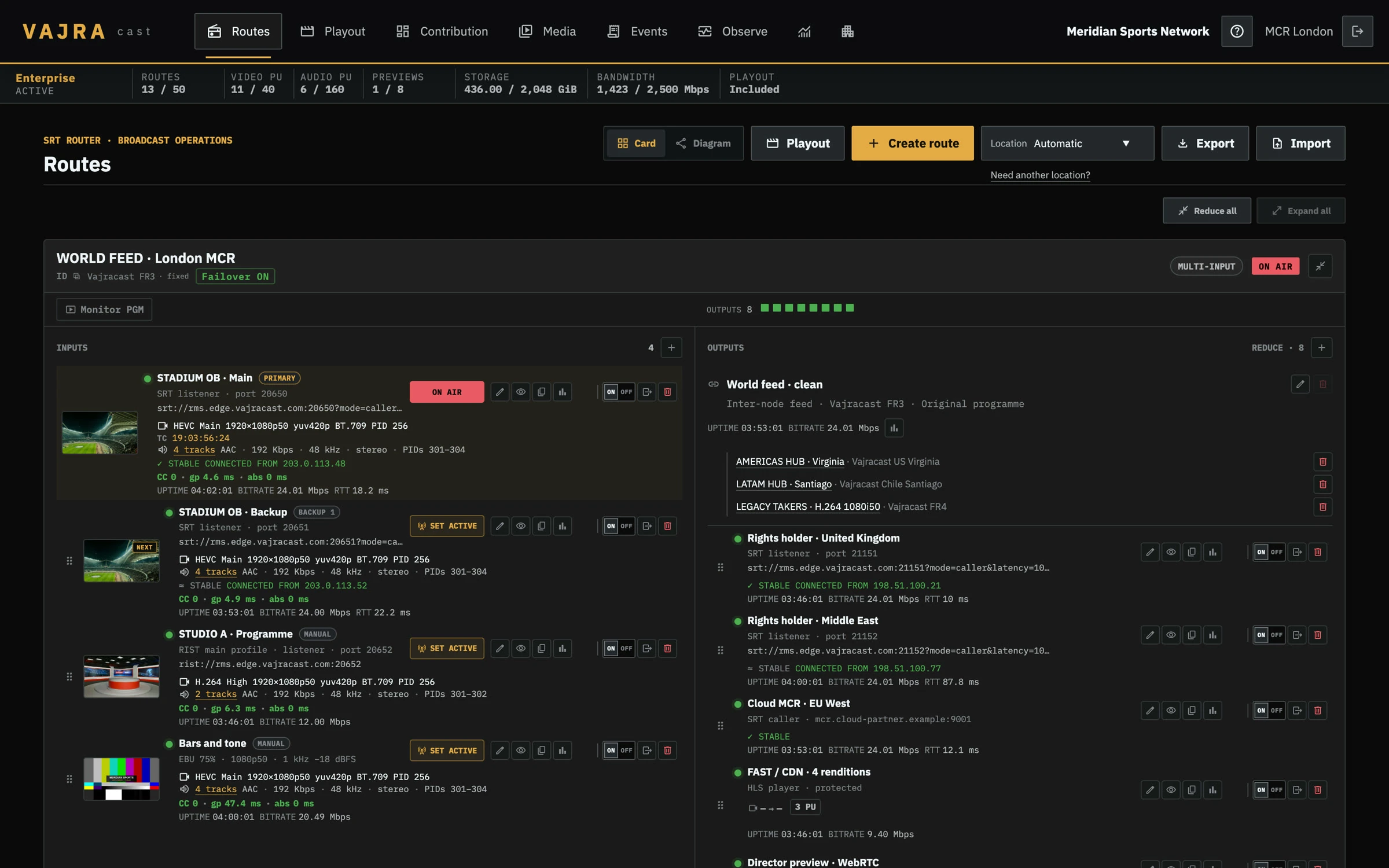
Vajracast can receive an SRT contribution feed and publish it to an RTMP or RTMPS ingest destination. This connects an SRT production link to a streaming service that provides an RTMP ingest URL and stream key. The destination’s media requirements still apply: changing transport alone does not make an incompatible video or audio codec acceptable.
From SRT contribution to RTMP publication
Encoder / production feed
          ↓ SRT input
Vajracast route → media adaptation when needed
          ↓ RTMP or RTMPS output
Platform ingest → platform playback
Use this direction when the source sends SRT and the publishing destination expects RTMP. If an existing encoder sends RTMP to a broadcast receiver expecting SRT, use the separate RTMP to SRT guide. Compare other directions in the video protocol converter guide.
What to check before connecting
| Part of the workflow | Check |
|---|---|
| SRT input | Caller/listener roles, reachable UDP port, latency, stream ID and passphrase where required |
| Publishing destination | Current ingest URL, stream key, live-event configuration and RTMP or RTMPS requirement |
| Video | Codec, profile, pixel format, resolution, frame rate, scan format, bitrate and keyframe interval |
| Audio | Codec, selected tracks, channel layout, sample rate and bitrate |
| Capacity | Sum of output bitrates, simultaneous routes and processing required for each rendition |
Use the endpoint supplied by the destination account for the actual event. Treat stream keys as credentials and check whether a key expires or changes between events. RTMPS adds TLS protection to the publishing connection; use it when required or supported by the destination. It does not configure encryption on the separate SRT input.
Can SRT to RTMP work without transcoding?
Yes, when the encoded media is compatible with the output path and destination. The V2 RTMP output remuxes the incoming encoded streams into FLV without re-encoding them. Add media processing before that output if the source needs a different codec or format; the RTMP output itself does not automatically convert an incompatible source.
H.264 video with AAC audio is a common starting point for RTMP delivery. For example, YouTube’s encoder requirements include H.264 and AAC. Check the receiving service’s current requirements rather than assuming that HEVC, another audio codec or a broadcast audio layout will be accepted through the same publishing path. Codec compatibility also depends on profile, pixel format, timestamps and packaging.
See hardware transcoding for media adaptation. A source that already meets the destination requirements may use the remux path; a source needing deinterlacing, resizing or re-encoding needs the corresponding processing capacity.
Optional vertical 9:16 version
A vertical social version is a media adaptation step in addition to SRT-to-RTMP conversion. Configure the output dimensions and framing for the intended 9:16 image, then check the picture before publication. Cropping can remove graphics or people at the edges; padding preserves the full image but changes its presentation. Confirm the destination accepts the chosen dimensions and frame rate. This workflow does not imply automatic subject tracking or universal platform acceptance.
Commissioning the route
- Confirm the SRT input receives the intended video and audio.
- Obtain the destination’s ingest URL and current stream key, including its RTMPS requirement.
- Compare the source media with the destination specification and add processing where needed.
- Publish a test and inspect both the platform ingest status and actual playback, including audio sync and framing.
- Test source interruption and publishing reconnection before the event; monitor both connections during the programme.
The SRT latency setting covers the contribution link, not the full delay seen by platform viewers. Processing, publishing, platform packaging and playback buffering all contribute to end-to-end latency. Qualify the complete path with the intended source and destination.
Compare the Cloud plans or contact the team with your source format, destination requirements and number of outputs to size the route.
Managed cloud platform with dedicated servers, N+1 failover, hardware transcoding, and global delivery. Free for 30 days.
30 days free · No credit card · Direct access to the dev team